How the Graph Gets Built — and When to Rebuild
What you'll take away
- The graph builds itself quietly the moment a document lands — you don't press a "build" button per upload.
- A graph is a living artifact, not a one-time export: when your design changes, you can rebuild it from the documents you already have.
- A rebuild re-reads your whole corpus under your current vocabulary and settings, which is why it's the tool you reach for after you've improved your type design.
- Rebuilds cost real processing, so the system shows you an estimate and a confirmation before it starts, and live progress while it runs.
A familiar analogy
When a new document arrives in a well-run office, somebody reads it and updates the shared understanding without being told to — it just happens as part of the flow. But every so often the office changes how it thinks about its work: a new product line, a reorganization, a different way of categorizing accounts. When that happens, somebody goes back through the existing files and re-reads them through the new lens, because the old summaries were written under the old assumptions.
A knowledge graph works on exactly these two rhythms. The everyday rhythm is automatic: a document arrives, the system reads it in the background, and the graph grows — no button, no ceremony. The occasional rhythm is deliberate: you've changed your design — added custom types, decided different things matter — and now the documents you uploaded before that change were read under the old vocabulary. Rebuilding is the "go re-read the files through the new lens" move.
The mechanic: extraction is automatic, rebuilds are on purpose
The automatic part you've already seen the front of, in the last unit. When you finish an upload, extraction kicks off on its own, in the background. You don't wait on a spinner and you don't trigger anything — the document gets read, entities and connections get pulled out, and the graph updates a little while later. For day-to-day operation, this is the whole story: upload good documents at the right depth, and the graph keeps current on its own.
The deliberate part is the Rebuild graph control. You'll find it tucked in the dashboard's overflow menu — the kebab (⋮) — as "Rebuild graph from existing documents." It does what it says: it re-runs extraction across the documents already in your workspace, building the graph fresh.
You reach for it in a few specific situations:
- You improved your type design. You added custom entity or relationship types (Unit 01) and want your existing documents re-read so the new types actually show up — not just documents you upload from now on.
- Your early uploads were rushed. You ingested a batch at Quick depth to get started, and now you want the important ones read thoroughly.
- The graph drifted. Enough has changed that you'd rather rebuild cleanly than keep patching fact by fact.
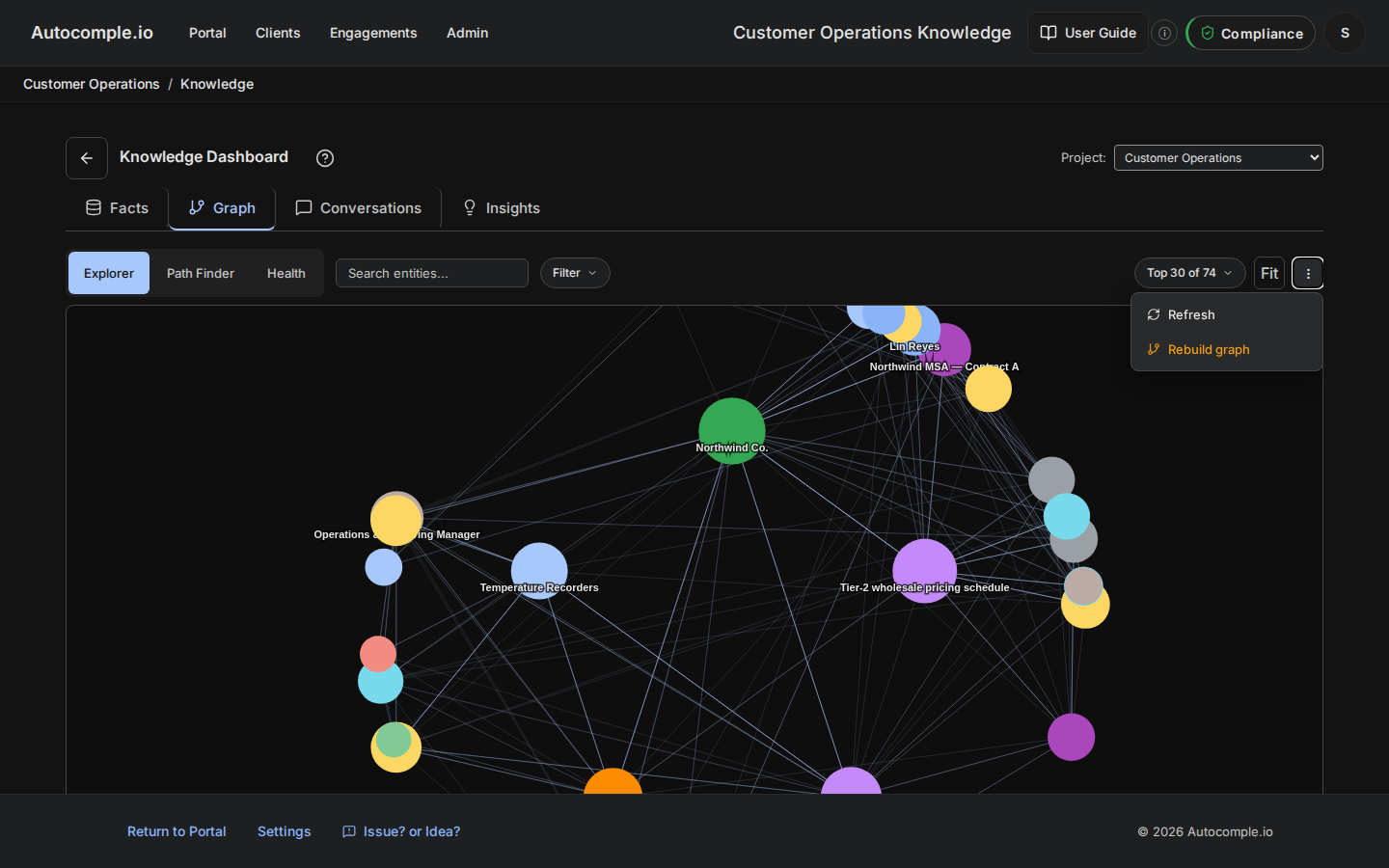
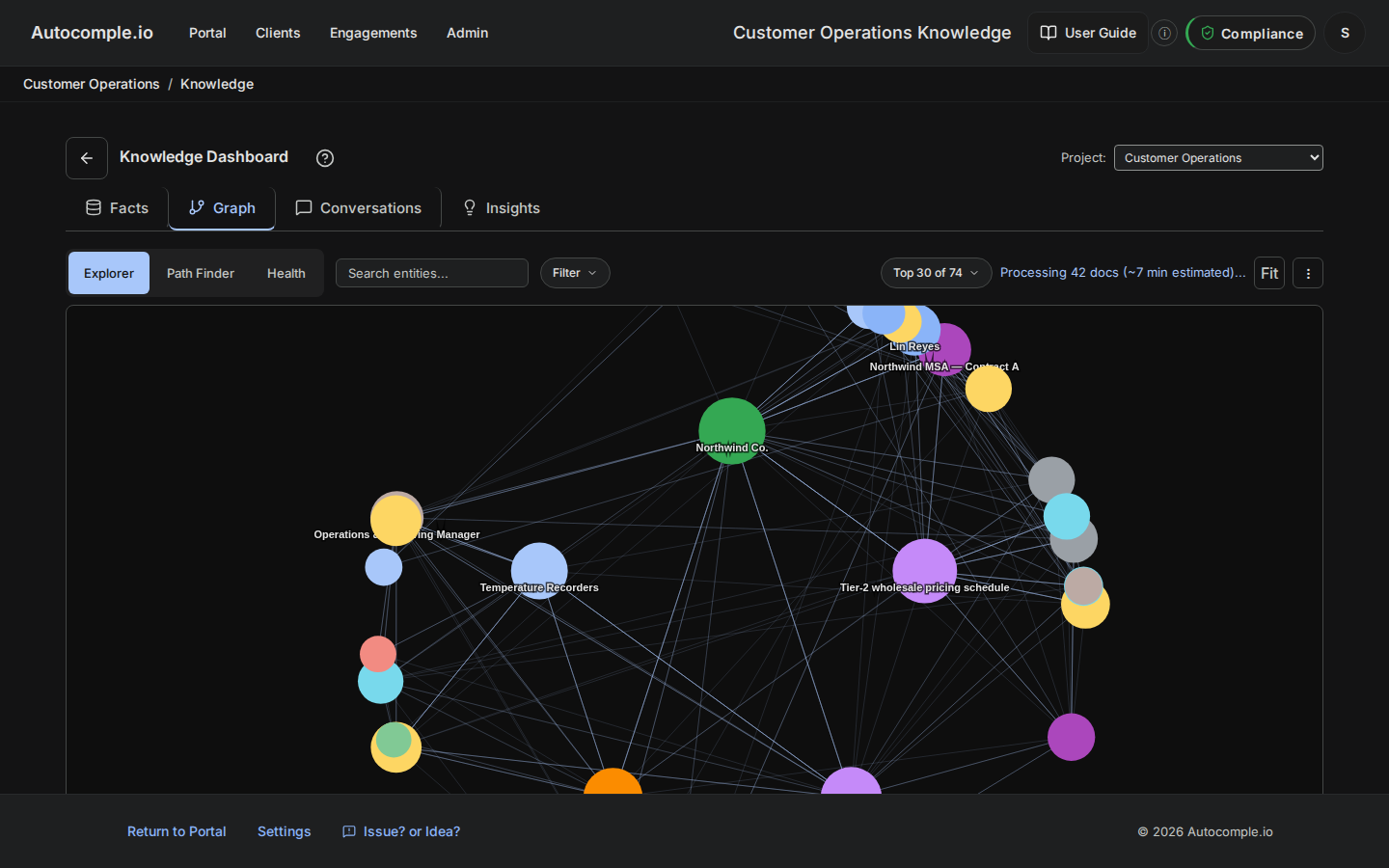
Because a rebuild re-reads everything, it costs real processing time and money — so the system makes you confirm. Before it starts, a dialog shows you an estimate of the cost. Once you confirm, you get live, per-document progress as it works through the corpus, so you're never staring at a blank screen wondering whether anything is happening.
The mental model
Two rhythms, two mindsets. Growth is automatic — new documents flow in and the graph keeps up without you. Redesign is deliberate — when you change how the graph should think, you rebuild so the change reaches the documents you already had. The mistake to avoid is treating rebuild as routine maintenance; it isn't a refresh button you mash. It's the tool you use after a design decision, to make that decision retroactive.
The quiet payoff
This is why the design work in Unit 01 pays off twice. The first time is on every new document, which gets read under your curated vocabulary automatically. The second time is the rebuild: improve your design once, rebuild once, and every document you ever uploaded gets the benefit. An operator who designs well and rebuilds at the right moments ends up with a graph that reflects their current thinking across their entire history — not a fossil record of how they happened to think on the day each document arrived. With the graph built, the next thing to learn is how to actually move through it.